Save it
Send a screenshot from the iOS Share Sheet or select several images from Photos.
 Screenshot memory for iPhone
Screench is an iPhone app that turns the screenshots you save into an organized, searchable library—so useful information does not disappear into Photos.
How it works
Screench handles the repetitive work after you take a screenshot, while keeping browsing and search simple on your iPhone.
Send a screenshot from the iOS Share Sheet or select several images from Photos.
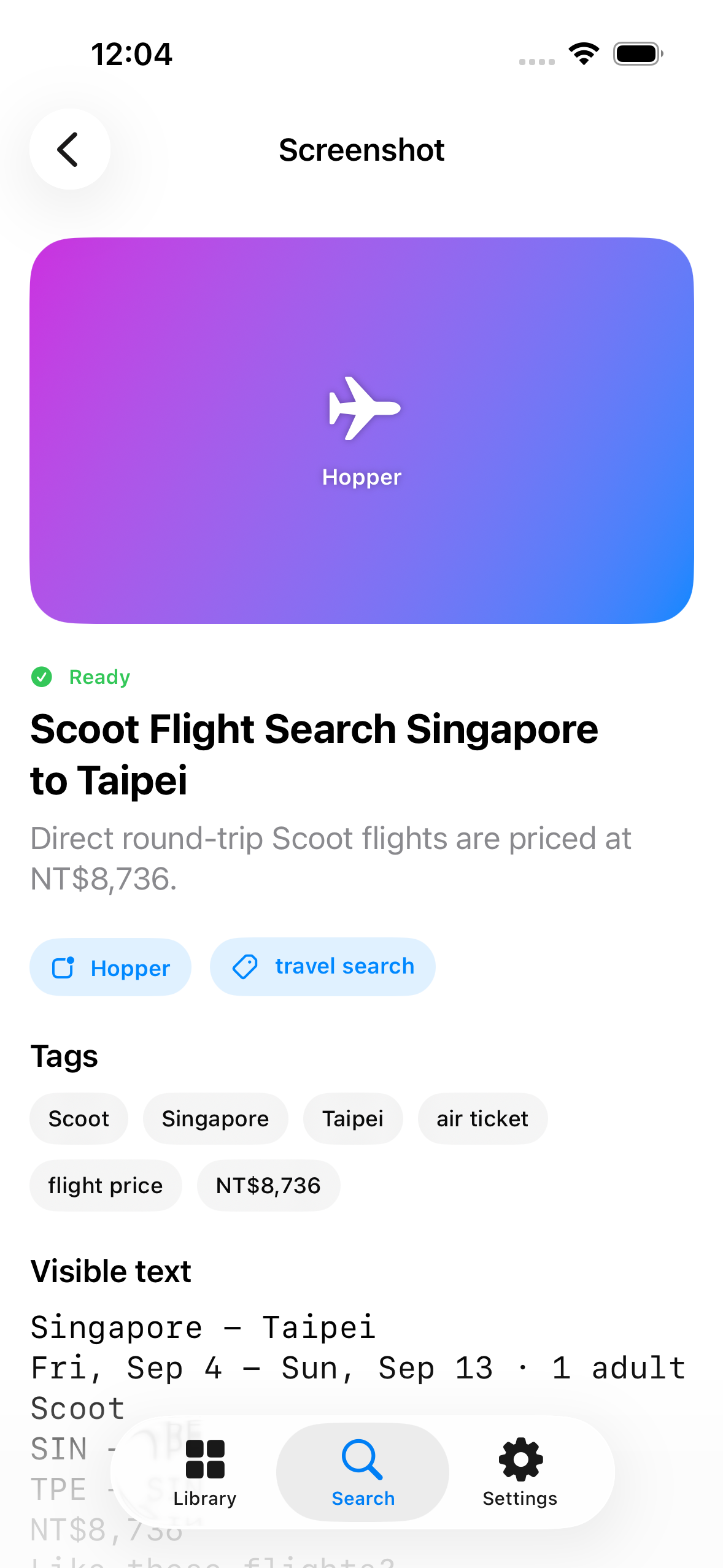
Screench identifies visible text, a useful caption, its likely source, and relevant tags.
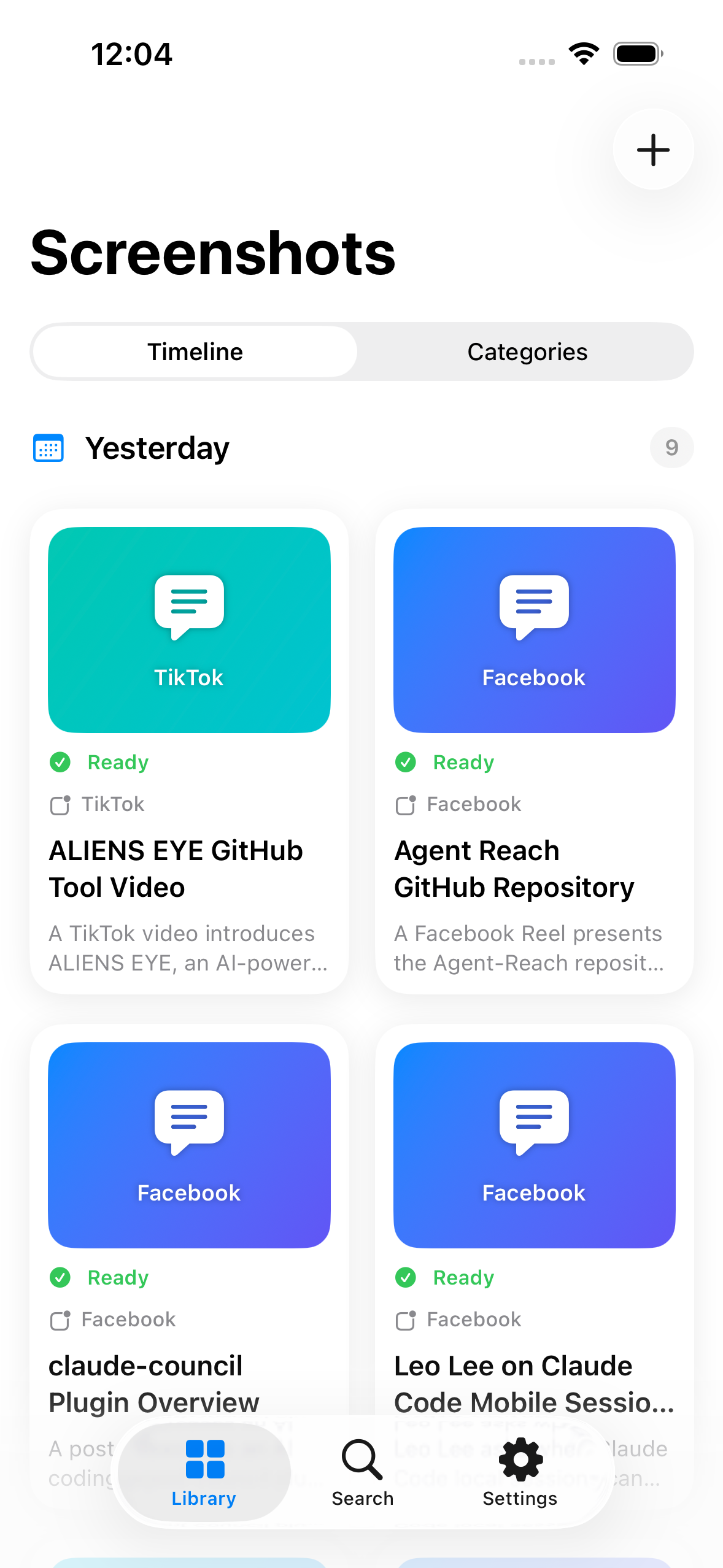
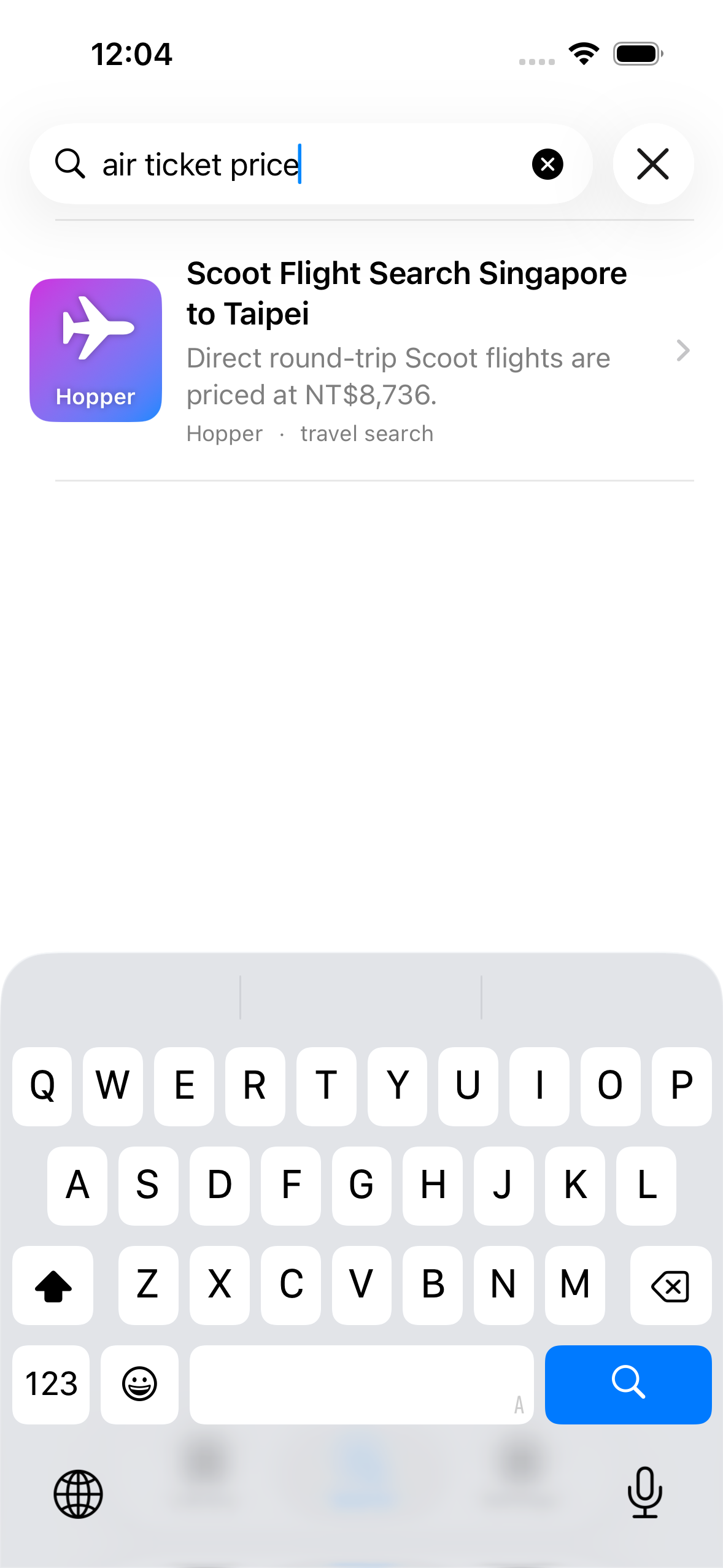
Search on your iPhone or browse by timeline, source, topic, person, or organization.
Inside Screench
Real Screench screens showing the library, local search, and the metadata created for each saved image.
Optional Google Drive sync
Connect your own Google Drive when you want a separate copy and cross-device restore. Screench requests access only to files it creates and its hidden sync data.
Privacy by choice
Only screenshots you explicitly share or select are processed. Your searchable library and queries remain on your iPhone, and Google Drive sync is off until you enable it.
Screench for iPhone
Save what matters. Keep the context. Find it again when you need it.